
Collaboration

Connected teams. Clearer collaboration.

Bring communication, meetings, and shared work into a connected experience. ARTPoint helps simplify collaboration tools so your people can spend less time navigating technology.

COMMUNICATIONS & COLLABORATION

Bring people, tools, and conversations together.

Modern teamwork should feel natural. ARTPoint helps bring meetings, calling, messaging and shared work into a connected experience—wherever your people work.

Hybrid collaboration with colleagues meeting in an office and remote participants joining on screen
Meet anywhereTeams & video meetings
Stay in the conversationMessaging & teamwork
Keep calls movingFlexible cloud calling
Messaging
Meetings
Calling
Shared work
A MORE CONNECTED WORKSPACE

One workspace.
Many ways to work.

Bring Microsoft Teams, Microsoft 365 and business calling into a coordinated environment that supports your team and the clients they serve.

ConversationsTeam and project chats
Business callingVoice & call routing
Connected
workspace
People + tools + shared context
MeetingsVideo & scheduling
Shared workFiles & co-authoring
Access and policies aligned to your environmentOrganized internal and client communicationAdministration and ongoing support
CLOUD PHONE SYSTEMS

Business calling that moves with you.

Modern calling can help teams handle incoming calls more consistently, whether they're at a desk, working remotely or on the move. We help plan the right phone setup and support it after deployment.

Call routing and queues tailored to your workflow
Voicemail, devices and mobility options
Remote and hybrid calling with planned connectivity
ARTPOINT / CLOUD CALLINGILLUSTRATIVE
Incoming business callConnected to your planned call flow
1 · RouteReception or call queue
2 · ConnectAvailable team member
3 · Follow upVoicemail or callback
Options and features depend on the chosen platform, configuration, licensing and provider.
Teams

Microsoft Teams built for real work

We deploy and tune Microsoft Teams so chat, meetings, and files work together cleanly. Your people get one place for real-time collaboration without the clutter.

Chat and meetings that stay organized

File sharing with clear version control

Real-time co-authoring without conflicts

CONNECTED WORKSPACE / ILLUSTRATIVE

Project collaboration

Messages, meetings and files in context

Team conversation

Keep discussions organized

Project meeting

Bring everyone into the plan

Shared document

Work from a common version

Video collaboration

Include remote participants

OrganizeConnectGovern
MICROSOFT TEAMS FOR REAL WORK

Less app-switching.
More momentum.

We help configure Microsoft Teams and connected Microsoft 365 services so your staff can communicate, share and collaborate in a structured way.

Chat and meetings

Make it easier to find conversations and collaborate across teams.

Shared files and co-authoring

Keep work connected through SharePoint and OneDrive where appropriate.

Governance and access

Review permissions, guest access and usage settings based on your needs.

0
1
2
3
4
01
Outcomes

Fewer silos and faster decisions

Your teams stop working in scattered tools and start moving together. Information flows where it belongs without extra steps.

02
Productivity

Your people work without friction

Meetings, files, and conversations live in one clear workspace. Employees spend less time searching and more time doing.

03
Consistency

Clients hear one clear voice

Calls, emails, and meetings stay organized across every channel. Your clients get a steady, professional experience every time.

04
Accountability

One partner for the whole stack

ARTPoint Solutions manages the environment end to end. You get one accountable technology partner instead of vendor finger-pointing.

THE BUSINESS IMPACT

Better coordination.
Stronger working relationships.

Help people spend more time working together and less time managing disconnected tools. The outcome is a clearer communication experience, not another complicated platform.

01 / TEAMWORKLess friction between teams

Bring important conversations and shared work closer together.

02 / PRODUCTIVITYClearer decisions

Make meetings, schedules and information easier to find and follow.

03 / CLIENT EXPERIENCEConsistent communication

Help calls and messages reach the right people through planned workflows.

04 / ACCOUNTABILITYA partner for the platform

Agree on administration, user support and escalation responsibilities.

A connected experience comes from thoughtful configuration, adoption and the way your people work—not technology alone.
Process

From scattered tools to one system

We assess what you have, build a migration plan, and manage the platform after launch. Your team stays productive through every step.

We assess your current tools

We map how your people communicate today and find the gaps.

We migrate to unified platforms

We move you to Microsoft Teams and cloud phone systems in phases.

We manage and support ongoing

ARTPoint Solutions monitors, tunes, and supports the environment after launch.

OUR APPROACH

From scattered tools
to a clearer way of working.

We begin with your current environment and move at a pace that suits your people, integrations and operating needs.

01 / DISCOVER

Understand the workflow

Review tools, call flows, user groups, integrations and communication challenges.

02 / DESIGN

Plan the experience

Confirm platform fit, licensing, security, migration sequencing and responsibilities.

03 / DEPLOY

Transition thoughtfully

Configure services, migrate in stages where appropriate, test and prepare users.

04 / SUPPORT

Help teams adopt

Provide guidance and agreed ongoing administration, support and refinements.

People first, throughout the transition.

We plan communications and user readiness alongside the technical rollout, helping reduce avoidable disruption.

Simplify your communications stack

Book a consultation to streamline your communications and collaboration tools into one accountable system.

LET'S GET CONNECTED

Make collaboration feel effortless.

Tell us how your team communicates today, where things feel fragmented and what you'd like to improve. We'll help identify practical next steps for calling, meetings and shared work.
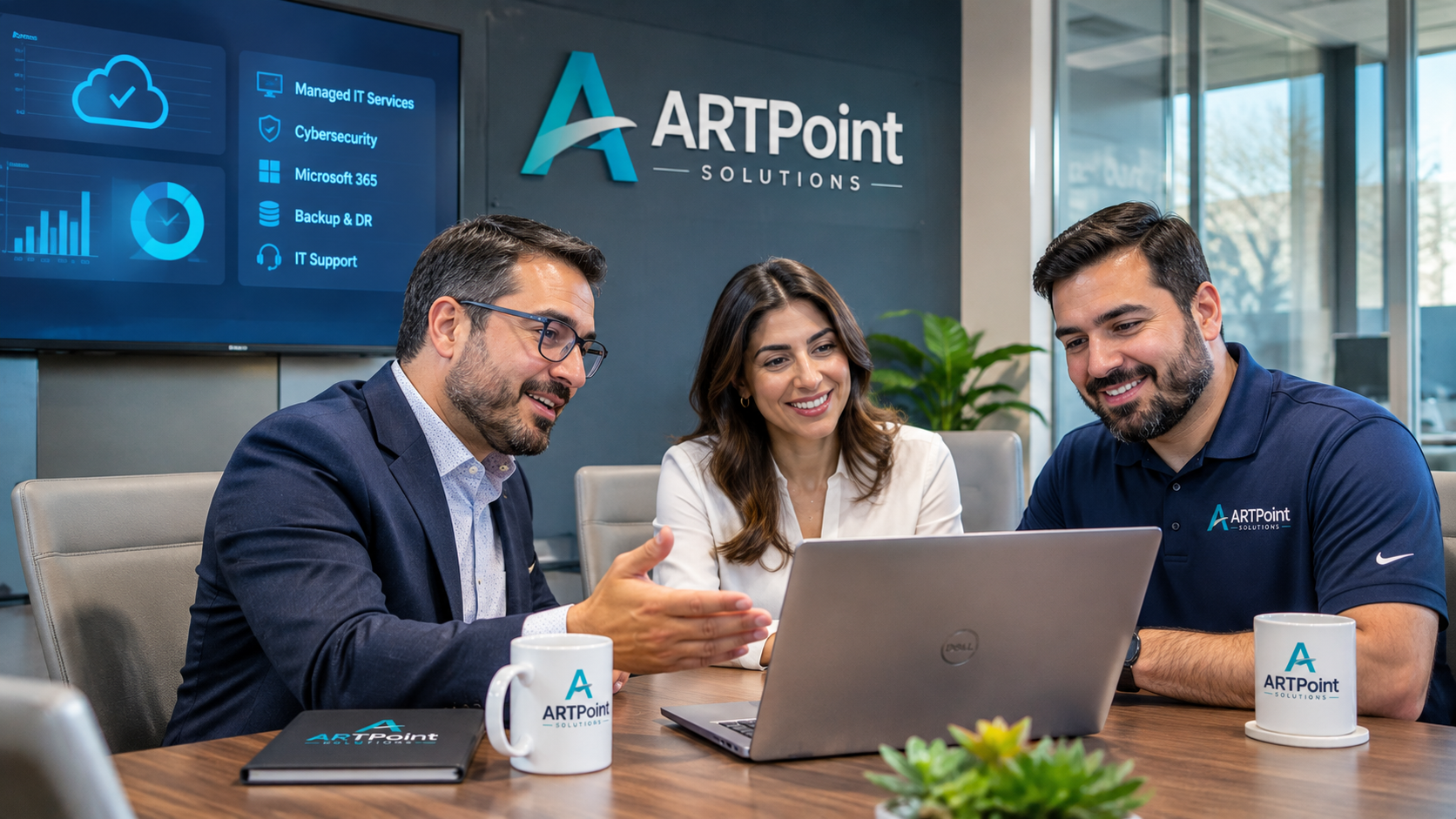
Professionals collaborating on an IT and workplace planning discussion
Start with your people.Plan the tools and workflows around the way your team works.

FAQs

Common questions about migration, integration, and support for remote or hybrid teams.

Is migration disruptive?

We plan the move in phases. Your team keeps working while we handle the heavy lifting.

Will it work with our tools?

Yes. We integrate with the applications your business already relies on. No rip and replace.

Can remote teams use it?

Absolutely. The systems are built for hybrid work. Your people stay connected from anywhere.

What about training?

We provide clear guidance for your staff. Adoption becomes simple, not a burden.

Who supports us after launch?

ARTPoint Solutions remains your single point of accountability. We monitor and manage the environment.

FREQUENTLY ASKED QUESTIONS

Good questions.
Clear answers.

What to consider when bringing communications, calling and collaboration into a more connected environment.

MigrationWill moving to a new communication platform disrupt work?

Every transition has dependencies. We plan the migration in phases where feasible, test critical functions and coordinate changes to reduce avoidable disruption.

IntegrationsWill Microsoft Teams work with our existing tools?

Compatibility depends on the applications, licensing and integration options available. We review existing systems before recommending the right approach; replacing every tool is not always necessary.

Remote teamsCan our remote and hybrid staff use the same tools?

Yes. Cloud-based communication and collaboration platforms can support people in different locations, provided connectivity, policies, devices and licensing are appropriate.

TrainingWill you help our employees learn the new tools?

We can include adoption guidance, rollout communications and practical user support as part of the agreed implementation scope.

Ongoing supportWho supports our calling and collaboration services afterward?

ARTPoint can provide agreed administration and support, coordinating responsibilities with your internal IT team and external carriers or platform providers where needed.